Electronic Document Delivery
eDoc Delivery
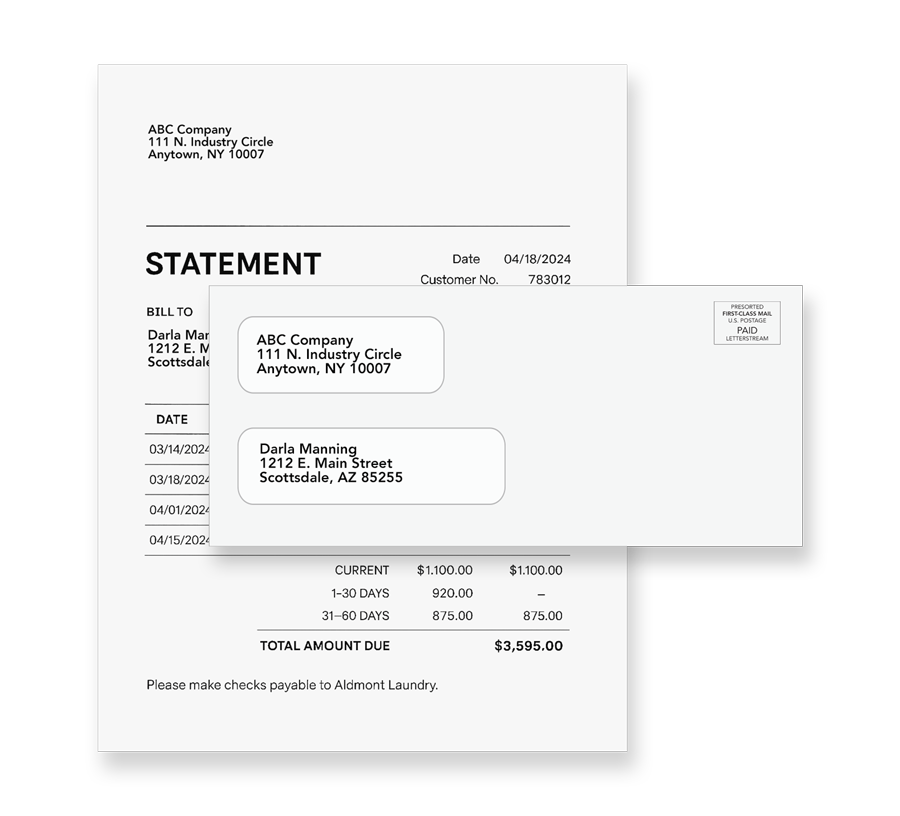
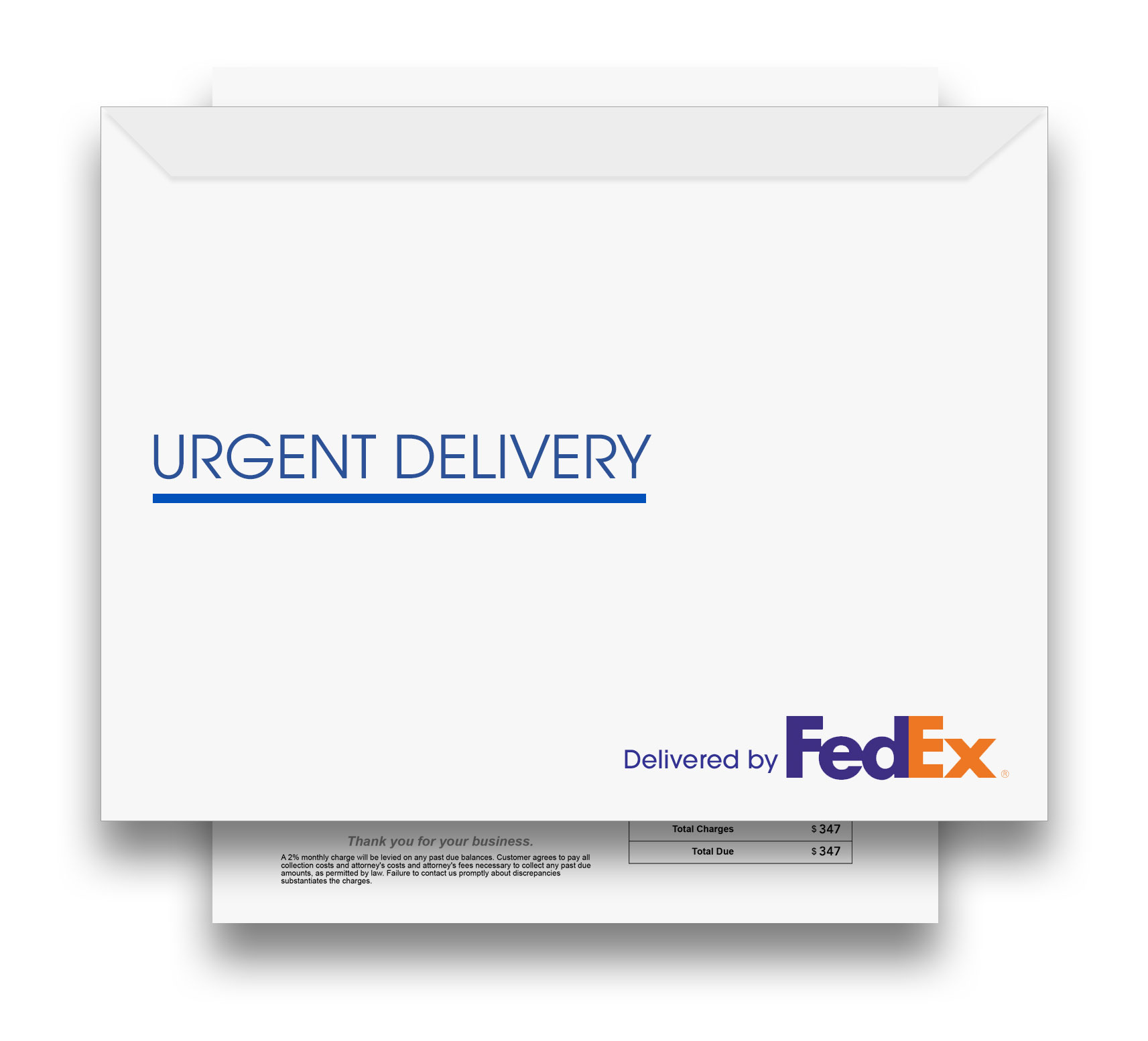
Send Real Mail and eDoc Simultaneously
Digital Companion to Physical Mailings
Use it as a stand-alone digital option or alongside traditional mail for compliance-driven communication. Sending is as simple as adding an email address, with full tracking and visibility for every document delivered.
Electronic Document Delivery (Email)
One-time Setup Fee of $99, and Every eDoc Thereafter Costs $0.20 Each
- Include email addresses in your data file
- Locate email addresses in your PDF document
- Choose email only, email and mail, or any mixture
- Email open history maintained in your portal
- Generally activated in a day or two
One of the most popular features of our tool is that you determine who will get their message electronically and who will get it via the US Postal Service, thus maximizing the impact of your message.
This is by far the easiest way to send electronic documents. The process works just like sending letters on our website today; you simply include email addresses in your data file for recipients of the eDoc.
Your documents will be attached to an email and sent on your behalf immediately. Tracking information and access statistics will be available in your account for review at any time after the mailing.
.
Ideal for Compliance-driven Communications
eDoc by LetterStream is the smart, modern way to send both physical mail and email together — automatically and in sync. This solution ensures your recipients receive critical information quickly and reliably, whether by inbox or mailbox. Ideal for compliance-driven or time-sensitive communications, eDoc helps businesses reduce delays, meet notification requirements, and maintain digital records of every message. Best of all, every notice — both mailed and emailed — is tracked and stored right inside your LetterStream account, giving you instant visibility and proof of delivery for complete accountability.
Frequently Asked Questions
What is eDoc Delivery?
eDoc Delivery is LetterStream’s electronic document delivery option that emails your documents as PDF attachments directly from your LetterStream account, either instead of or alongside physical mail.
How does eDoc Delivery work?
You include recipients’ email addresses in your data file, make sure the emails can be matched to each PDF record, then choose whether each recipient gets email only, mail only, or both. The workflow is designed to feel like your normal LetterStream job setup.
Can I send both an edoc and a mailed letter in the same job?
Yes. You can mix delivery methods within a single job—some recipients can receive email only, some physical mail only, and others both, depending on what you select during setup.
What do I need to provide to use eDoc Delivery?
You’ll need a mailing list that includes email addresses or a PDF where each unique recipient page includes their email address in the same location.
How long does it take to get eDoc Delivery enabled on my account?
After you request it, eDoc Delivery is generally activated within a day.
When are eDocs sent?
eDocs are emailed the same date/time that the mailing is marked as “mailed”.
Who do the edocs come from?
eDocs are sent from your email address (configured during setup), so recipients see you as the sender.
Is eDoc Delivery secure?
Your documents are delivered via direct attachments through your emails, and a delivery overview is provided in your account for each recipient. If you have specific compliance or security needs, support can walk you through best practices.
How do I add eDoc Delivery to my account?
Email support to request eDoc Delivery, and the team will help with setup and activation.