Powerful Free Tools for Easier Mailing
Portable Document Format (PDF) Preflight Tools
Working with PDFs Made Easy
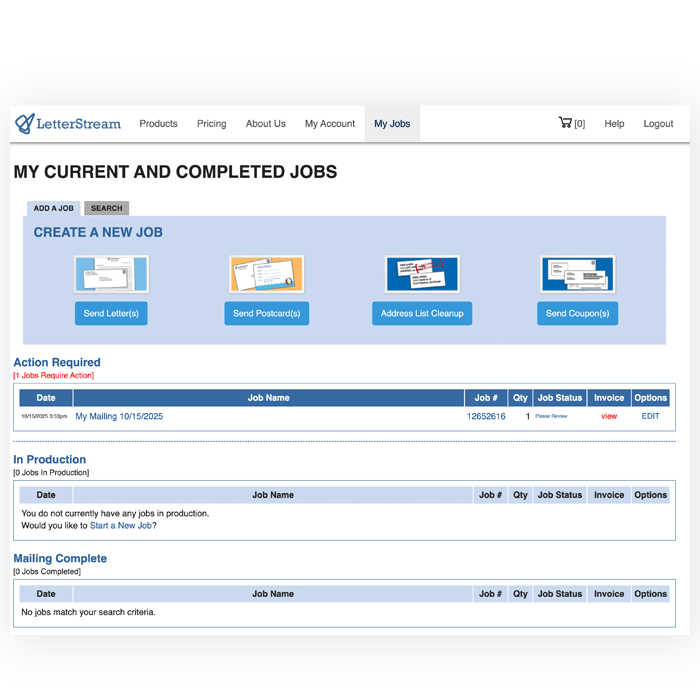
LetterStream’s PDF Tools are free online tools that allow you to preflight, shift, merge, rotate, crop, and otherwise fine-tune your PDFs so they meet USPS-ready mailing specifications and our envelope windows. By cleaning up files before you send them to print-and-mail, you reduce errors, avoid extra coversheet costs, and ensure every job moves smoothly through our production process as a trusted print-to-mail partner.
Preflight Your Documents
-
Access
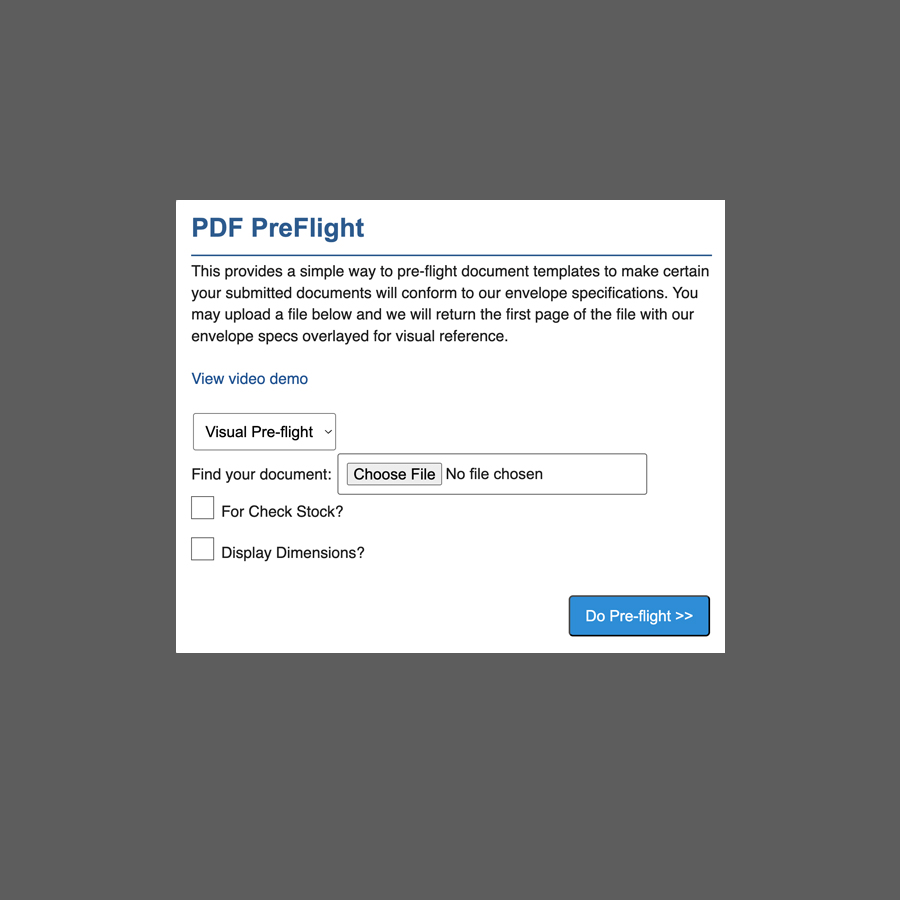
You can access the PreFlight tool from My Account > PDF Tools -
Overlay Information
Submitting a PDF returns a new version of the document with overlays -
Minimum Margin Guidelines
Shows required minimum margins -
Address Specification
Provides guidelines for placement -
Display Dimension Option
Add measurement labels to your overlay
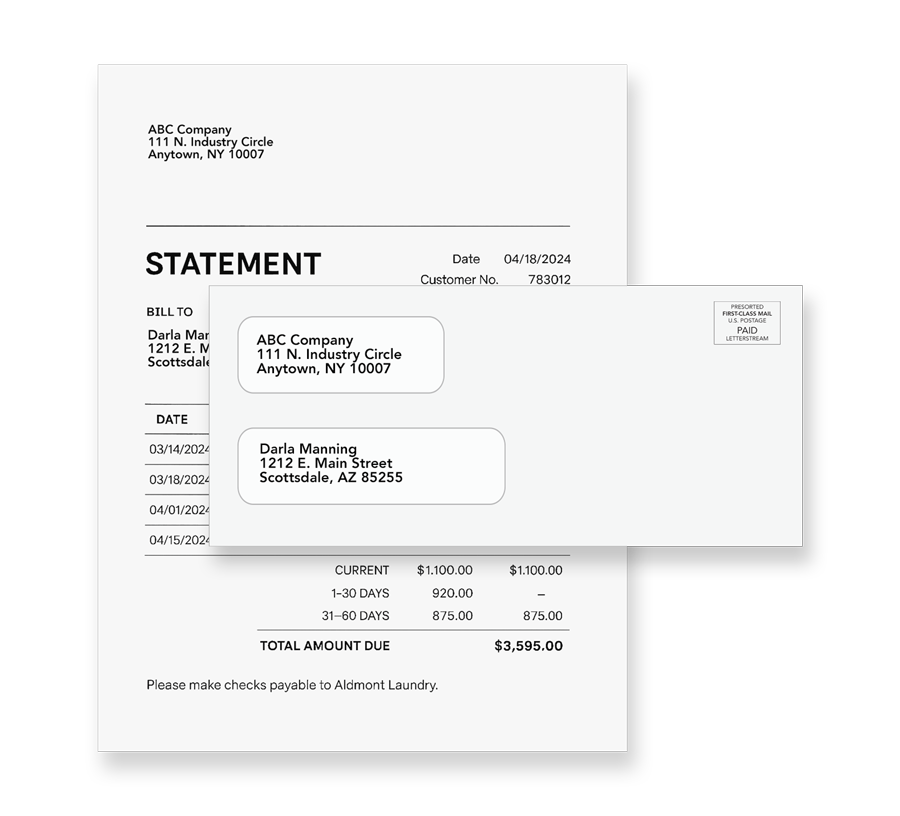
The PDF PreFlight tool overlays key information onto the first page of your PDF document. This helps ensure proper address placement, eliminates the need for system-generated coversheets, improves statement formatting, and can help reduce mailing costs. It is particularly useful if your documents already contain recipient and return address details.
Extract Pages from Set
-
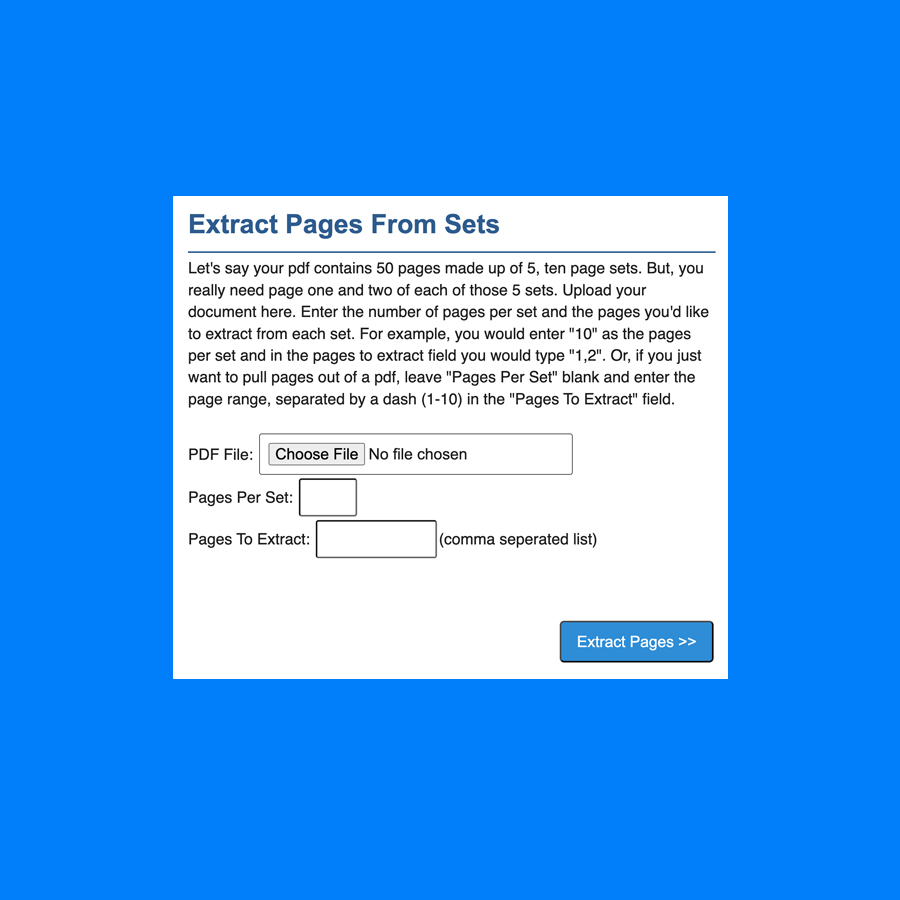
Set Page Groups
Define groups of pages to extract -
Extract Specific Pages
Option to extract specific pages from each group -
Range Extraction
If you leave “Pages per Set” option empty, you can extract a range
Shift PDF Content
Join Multiple PDFs
-
Upload Order
Upload your PDFs in the order you want them -
Combining Up to 10 PDFs
-
Blank Pages for Duplex Printing
If any PDFs have an odd page count and you are printing duplex (double-sided), you can add blank pages for proper duplexing.
Convert Color to Black Printing
The convert color PDF to black printing feature allows you to change an uploaded full-color PDF documents into black and white file for printing. This is particularly useful for reducing printing costs, as black printing is generally less expensive than full-color printing.
.
.
Rotate Your PDF File
Extract Addresses from PDF
Frequently Asked Questions
Do I Have To Use The PDF Tool?
No. This tool is made available free by LetterStream to help you manipulate your PDF files as you would like. This tool can help you save time and make your mailings easier to process and send.
Can I Extract Addresses From My PDF?
Yes. The PDF tool can easily and conveniently help you extract your addresses from your PDF file(s).
Can A PDF Be Rotated After Upload?
Yes. The PDF tool allows you to re-orient your file/pages.
Is My PDF formatted Correctly?
Use the PDF PreFlight Tool — it scans your PDF, overlays guides, checks margins, page size, address placement, and flags issues before submission. The PDF tool is available within your free LetterStream account.
Can I Extract Only Some Pages Or Addresses From A Multi-Page PDF?
The “Extract Pages” and “Extract Addresses” tools allow selecting specific pages and output addresses into a CSV.
How Do I Convert Or Reduce Color PDFs To Black and White To Save Costs?
LetterStream offers a “Convert Color PDF to B&W” function. The Convert Color PDF to B&W feature allows you to change full-color PDF documents into black and white. This is particularly useful for reducing printing costs, as black and white printing is generally less expensive than color printing.