
Can you upload a PDF and have it turned into real USPS mail without printing it yourself?
Yes. With LetterStream’s workflow, businesses can upload a document, select recipients, and send real physical mail online without handling printing, envelopes, or postage. The Stream turns a digital file into a letter that is printed, prepared, and entered into the United States Postal Service (USPS) mail stream—making it possible to go from PDF to sent to a mailbox in just a few steps. Keep reading to learn more.
For many organizations, sending letters is still part of everyday operations. Property managers send tenant notices and HOA communications. Healthcare providers send patient statements and billing reminders. Law firms send official correspondence and legal notifications. Construction companies mail project updates, lien notices, or contract documents. Credit repair companies send dispute letters and client updates. Third-party administrators and service providers often send compliance notices, account communications, and client documentation. Across industries, businesses regularly rely on mailed letters to ensure important information reaches the right people.
Yet the traditional process of turning a document into a mailed letter often involves several manual steps—printing, folding, stuffing envelopes, applying postage, and making a trip to the Post Office.
Today, however, a simple PDF can become a physical letter in someone’s mailbox without any of those tasks happening in your office.

Why Businesses Still Need to Send Physical Mail
Despite the convenience of email and digital communication, many documents still work better as printed mail.
Physical letters often carry more authority and visibility. They’re easier for recipients to review, and they’re less likely to be ignored than an email buried in an inbox.
Many organizations rely on mailed documents for communications such as:
- Billing statements
- Compliance notices
- Tenant letters
- Legal correspondence
- Policy updates
- Customer notifications
In some industries, physical mail also helps create a clear record of communication.
Because of this, businesses frequently generate documents digitally but still need a reliable way to convert those files into mailed letters.

The Old Way: Printing and Mailing Documents Manually
Before services like LetterStream existed, sending a document by mail required several steps that had nothing to do with the message itself.
After creating the document digitally, someone had to print it. Then it needed to be folded, placed into an envelope, and addressed correctly. Postage had to be added, and the entire batch needed to be brought to the Post Office.
For companies sending dozens or hundreds of letters, this process could take hours and often requires office supplies, staff time, and careful coordination.
Even a simple notice could turn into a surprisingly large administrative task.
That’s why many businesses began looking for ways to treat physical mail more like a digital workflow.
Turning a PDF into Real Mail with LetterStream
LetterStream makes it possible to move directly from PDF document upload to sending physical mail without handling the mailing process internally.
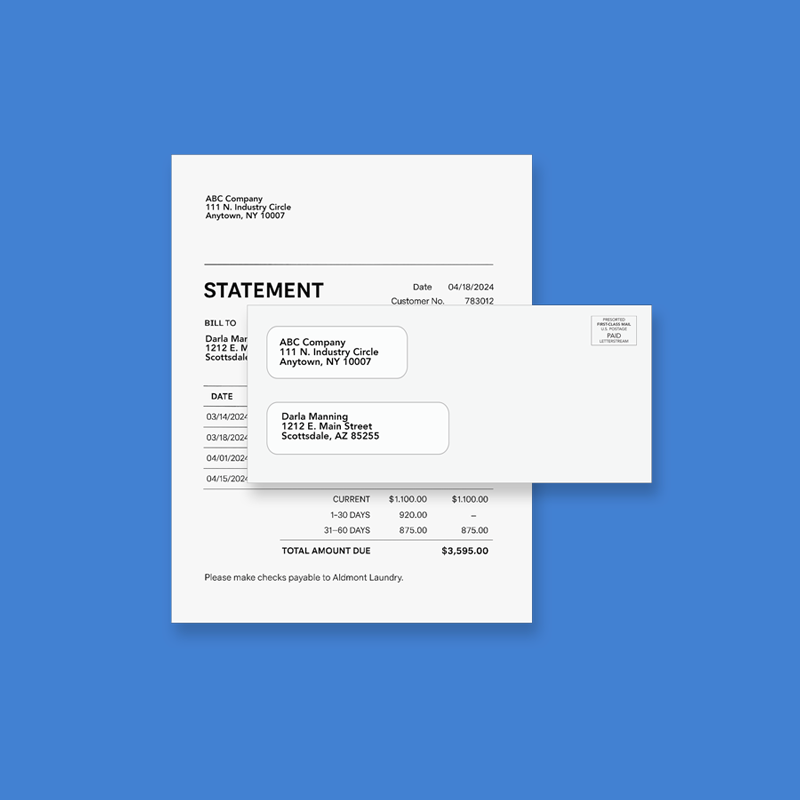
Once a document is finalized—whether it’s a statement, notice, invoice, or letter—it can be uploaded into The Stream. The platform then prepares the document for printing and mailing as part of LetterStream’s production workflow.
From there, the document is printed, placed into an envelope, postage is applied, and the letter is entered into the USPS mail stream.
For businesses, this means the document can go from digital file to real, physical mail without printers, envelope stuffing, or trips to the post office.
Instead of coordinating multiple steps across the office, the mailing can be launched digitally in minutes.
Why PDFs Are Ideal for Mailing
One reason this workflow works so well is that PDFs are already the standard format for many business documents.
- Invoices are frequently exported as PDFs.
- Statements are often generated as PDFs.
- Legal letters and notices are finalized as PDFs.
- Reports and summaries are commonly shared as PDFs.
Because the format preserves the exact layout of the document, what appears on screen is exactly what will appear in the printed letter.
This eliminates the need to redesign or reformat communications before mailing them. The same file that is saved digitally can be used to generate the physical letter.
For businesses that regularly produce documents for clients or customers, this makes sending mail significantly easier.

Choosing the Right Mailing Option
Different types of PDF documents call for different mailing options.
For everyday communications such as statements, notices, and invoices, First-Class Mail is commonly used.
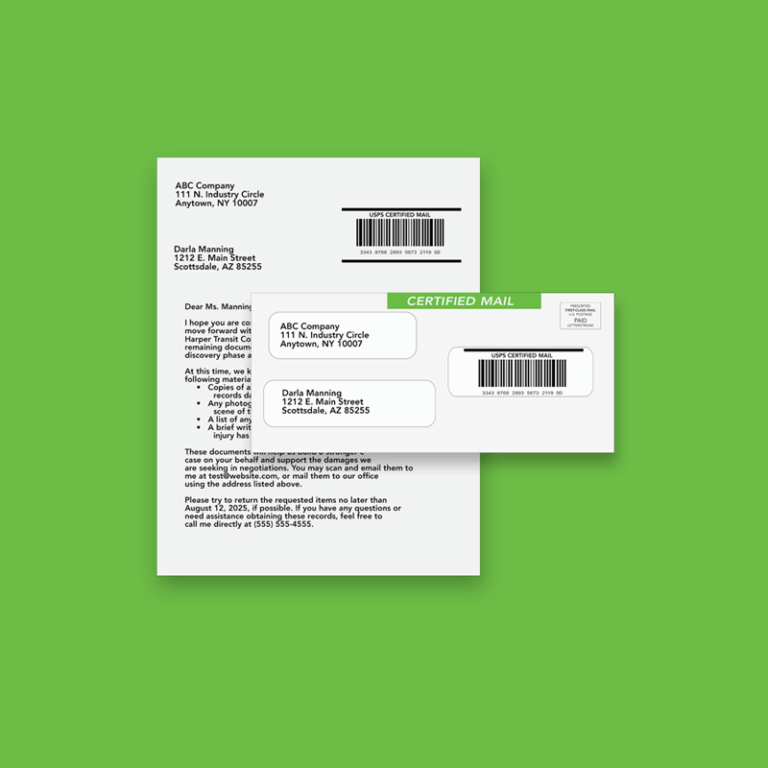
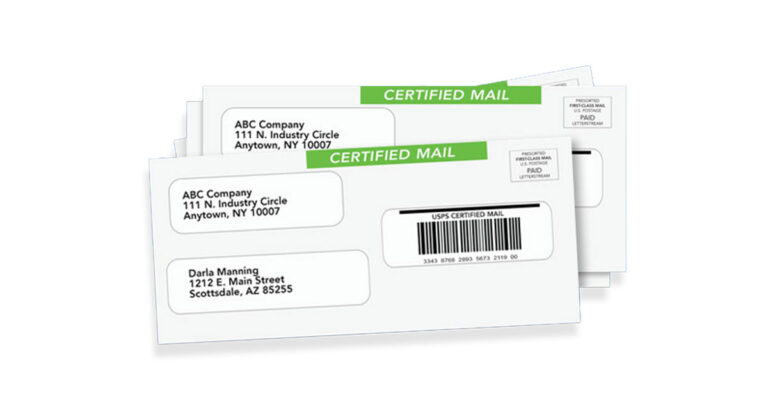
When documentation is important, businesses may choose Certified Mail online. Certified Mail provides confirmation that the letter entered the USPS system and offers tracking information for additional visibility. An Electronic Return Receipt (ERR) is also available as an add-on.
Having both options available in the same workflow allows organizations to handle a wide range of communications without changing processes.
A Faster Path from Document to Mailbox
Business communication continues to evolve, but physical mail still plays an important role in many industries.
The difference today is that sending those letters no longer requires the manual work it once did.
By uploading a document and sending it through LetterStream’s Stream, businesses can move from PDF to mailbox without coordinating printing, envelopes, or postage themselves.
What used to be a multi-step office project can now happen in just a few clicks—allowing teams to focus on their work while important documents still arrive where they need to go.
To learn more about LetterStream or to sign up for a free account, click here.
LetterStream offers bulk printing and mailing services, allowing companies to send physical mail online. Whether it’s online Certified Mail, First-Class Mail, FedEx 2Day, or postcards, we give both small businesses and large corporations the time and freedom back to work on tasks that better serve the company. If you’re interested in creating a free account, you can do so here.