

Introduction
Few things create more anxiety for businesses and legal professionals than uncertainty about whether critical mail has arrived. When deadlines depend on proof of mailing—whether for legal notices, tax documents, or compliance communications—the ability to track Certified Mail online becomes essential for operational confidence and peace of mind.
This guide covers everything needed to monitor USPS Certified Mail digitally: from understanding tracking numbers and interpreting status updates to leveraging advanced automation tools and troubleshooting common issues. The focus is on practical, actionable guidance for businesses, legal professionals, healthcare organizations, HOAs, and anyone who regularly sends time-sensitive documents requiring verifiable proof of delivery.
Direct answer: Certified Mail tracking works by entering the unique tracking number from PS Form 3800 into the USPS website, USPS mobile app, or third-party tracking platforms to view real-time status updates, delivery confirmation, and proof of delivery documentation. Some platforms like LetterStream allow you to track your Certified letters from inside of your account without having to enter in a tracking number.
By the end of this guide, readers will understand:
- How Certified Mail tracking numbers work and what information they unlock
- Multiple online tools and platforms for monitoring mail’s status
- Step-by-step processes for implementing reliable tracking workflows
- Solutions for common tracking challenges and delays
- Automation strategies that save time and reduce manual work
Understanding Certified Mail Tracking Fundamentals
Reliable mail tracking isn’t just convenient—it’s business-critical. For organizations sending legal paperwork, invoices, healthcare notices, or government communications, knowing exactly when Certified Mail reaches its destination protects against compliance failures, missed deadlines, and costly disputes.
What Makes Certified Mail Trackable
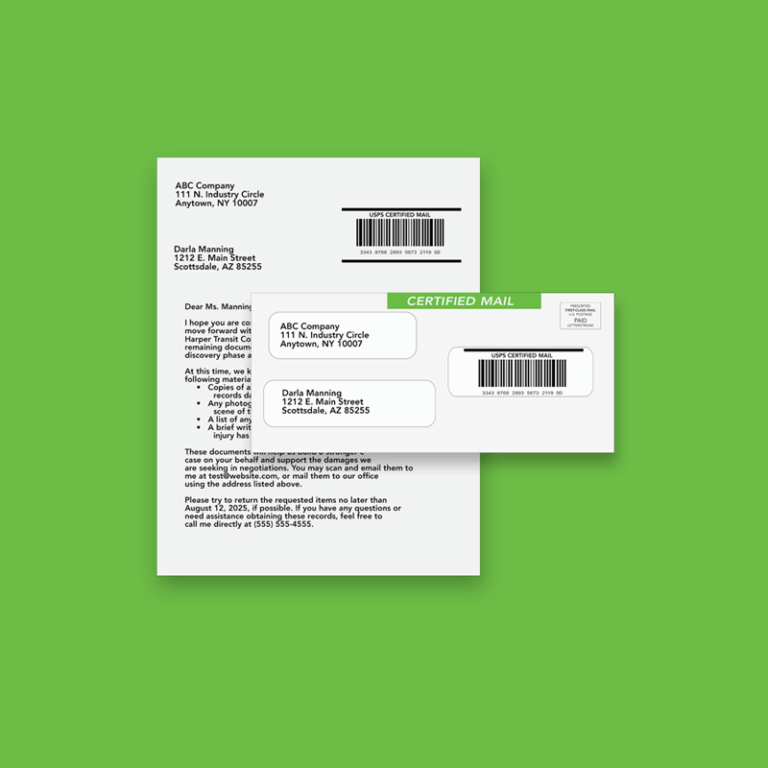
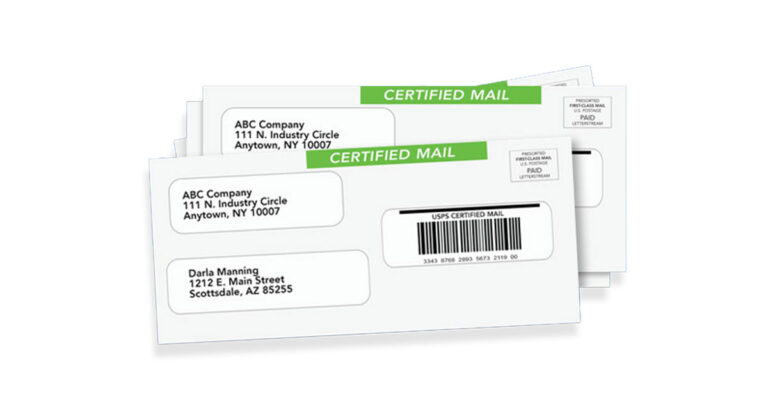
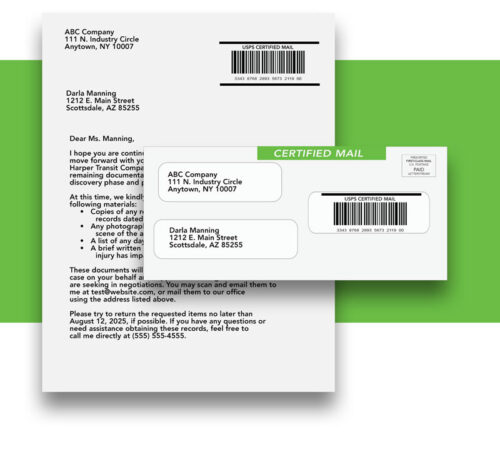
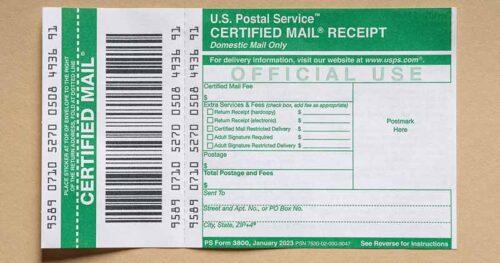
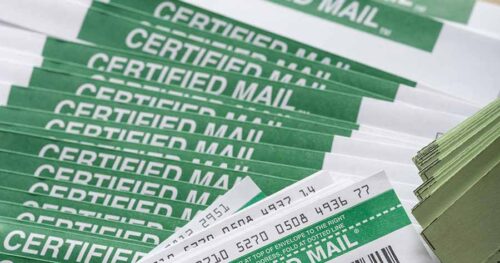
Every Certified Mail piece receives a unique tracking number—typically 20 to 22 numeric digits. Most domestic Certified letters begin with “9407,” though some internal systems use alternative prefixes like “7000.” This number appears on PS Form 3800, the Certified Mail label that attaches to the mail piece, as both a scannable barcode and human-readable digits.
USPS assigns this tracking number at the point of mailing, and scanning events throughout the postal system create a verifiable trail from acceptance to final delivery. Each time the mail piece passes through a USPS facility, carrier route, or reaches the recipient’s address, the system logs a timestamp and location. This tracking process provides both the sender and recipient with transparency into where important documents are at any moment.
The connection between PS Form 3800 and online tracking capabilities means that proper label placement and barcode integrity directly affect tracking reliability. When using online tools to print Certified Mail labels or working with mail automation services, ensuring the barcode remains scannable is essential for accurate tracking updates.
Types of Tracking Information Available
Certified Mail tracking provides several categories of valuable data:
Real-time location and status updates show the current status of the mail piece as it moves through the postal service network—from initial acceptance at the post office through transit and out for delivery.
Proof of mailing and delivery timestamps create legally defensible documentation showing exactly when mail entered the postal system and when delivery occurred. This verifiable proof matters enormously for legal notices, tax forms, and compliance communications.
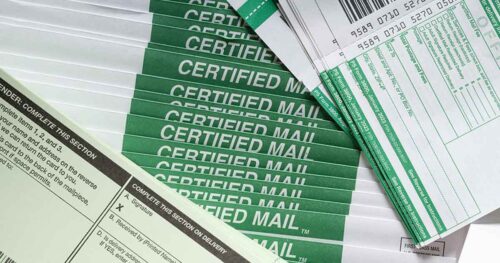
Signature capture and recipient information become available when return receipt service is added. The electronic return receipt provides a digital signature in PDF format, while the traditional green card (PS Form 3811) returns physical proof by mail. Either option creates documentation showing who signed for the Certified letter.
Understanding what tracking data is available sets the foundation for choosing the right online access methods and platforms for specific business needs.
Online Tracking Methods and Platforms
Multiple digital pathways exist for monitoring Certified Mail status, ranging from free USPS services to sophisticated enterprise solutions. The right choice depends on volume, automation needs, and how tracking integrates with existing business workflows.
USPS Official Tracking Tools
The USPS website provides the most direct tracking access. Simply enter the tracking number from the Certified Mail receipt into the search bar on the tracking page. Results display the complete tracking history, including acceptance, transit scans, delivery attempts, and final delivery with timestamps for each event.
The USPS mobile app offers the same tracking information with added convenience. Push notifications alert users when delivery status changes, eliminating the need to repeatedly check the website. For teams managing urgent documents with strict deadlines, these real-time alerts provide valuable peace of mind.
Informed Delivery takes tracking a step further by providing digital previews of incoming mail before it arrives. With over 67 million users enrolled, this free USPS service has become increasingly sophisticated. The recently launched Informed Delivery mobile app (October 2025) includes Mail Delivery Notification features that alert users when letter mail reaches their mail box—a valuable complement to package and Certified Mail tracking.

Third-Party Tracking Services
Professional mail service platforms offer enhanced tracking capabilities beyond what USPS provides directly. These services typically provide:
- Centralized dashboards for viewing multiple tracking numbers in one interface
- Automated notifications via email, SMS, or webhook integrations
- Digital archiving of delivery confirmation and return receipt documentation
- Workflow integration connecting tracking status to compliance systems
For organizations that regularly send Certified Mail for legal notices, HOA communications, or healthcare compliance, these platforms reduce the manual work of checking individual tracking numbers while creating organized records for audit purposes.
Services that allow users to send Certified Mail online often include integrated tracking as part of the workflow.
Enterprise Mail Management Solutions
High-volume mailers benefit from enterprise-grade solutions that handle bulk tracking efficiently:
Bulk Proof of Delivery (BPOD) programs through USPS allow large mailers to receive delivery verification with signature and address information electronically in aggregate, rather than tracking individual pieces manually.
API integration enables automated status updates flowing directly into business systems. Rather than staff members checking tracking manually, the system automatically updates compliance records, triggers follow-up workflows, or alerts teams to delivery exceptions.
Business Customer Gateway access provides tools for submitting manifest files and managing high-volume Certified Mail operations with systematic tracking built into the mailing process.
These enterprise solutions particularly benefit legal departments handling foreclosure notices, healthcare organizations managing HIPAA compliance communications, and property management companies sending time-sensitive HOA notices to large member populations.
Step-by-Step Online Tracking Implementation
With tracking platforms understood, implementation becomes straightforward. The following processes work for individual tracking needs through enterprise-scale operations.
Basic Online Tracking Process
For standard Certified Mail tracking through USPS:
- Locate the tracking number on the PS Form 3800 receipt—the 20-22 digit number appears below the barcode in groups of four digits
- Access the USPS tracking portal at usps.com or open the USPS mobile app
- Enter the tracking number in the tracking field, ensuring all digits are entered correctly
- Interpret status results by reviewing the chronological scan history, noting timestamps and any exception statuses
For legal or compliance purposes, save screenshots or printouts of tracking results showing delivery confirmation and timestamps.
Common Tracking Challenges and Solutions
Even with reliable systems, tracking issues occasionally arise. Understanding common problems and their solutions prevents unnecessary delays and anxiety.
Delayed or Missing Tracking Updates
The challenge: Tracking shows “Label Created” or no information appears after mailing.
Solution: USPS tracking typically updates within 24 to 48 hours after the mail piece receives its first scan. During peak periods (holidays, end of tax season), delays may extend to 72 hours. If no tracking information appears after 5 business days, contact the local post office where the item was mailed or initiate an inquiry through USPS. Note that approximately 95.84% of shipments scan accurately—meaning a small percentage may have missing scan events.
For time-critical mailings, always obtain a postmark at the retail counter rather than dropping in collection boxes. This creates proof of mailing date even if scanning delays occur.
It’s important to note that if you’re sending mail through a vendor like LetterStream, once the mail is handed over to USPS, it is out of the vendors hands. Meaning, if there is delays in the transit that is on the USPS and not the vendor.
Tracking Number Not Found
The challenge: The USPS website returns “Status Not Available” or “Not Found.”
Solution: First, verify the tracking number format—Certified Mail numbers are 20-22 digits and typically start with 9407. Check for transcription errors, especially confusing similar-looking digits (0/O, 1/l, 8/B). Confirm that Certified Mail service was actually purchased; if the mail piece was sent as regular First-Class Mail without Certified Mail service, no tracking exists.
If the number was copied correctly and Certified Mail was purchased, the item may not yet have entered the postal system—wait 24 hours and check again.
Delivery Confirmation Discrepancies
The challenge: Tracking shows “Delivered” but the recipient claims non-receipt.
Solution: Start by verifying the recipient’s address matches what was on the Certified Mail label. Check whether someone else at the address signed for the item—the return receipt (physical or electronic return receipt) shows the signature and signer’s name. Ask the recipient to check with neighbors, building managers, or their mailroom.
If the item genuinely cannot be located, file a missing mail search request through USPS and document all investigation efforts. Having the return receipt with signature provides important evidence if disputes arise.
For restricted delivery service, only the specific named recipient can sign—this prevents delivery to unauthorized parties but may result in delivery attempt notices if the recipient isn’t available.
Conclusion and Next Steps
Effective Certified Mail tracking transforms uncertain waiting into confident monitoring. Whether sending legal notices, healthcare compliance documents, tax forms, or HOA communications, online tracking tools provide the transparency and documentation that business-critical mail demands.
For organizations regularly sending Certified Mail, exploring online print-and-mail services that integrate tracking into automated workflows can significantly reduce manual work while improving reliability and documentation. Connecting tracking data to compliance systems, case management tools, or customer communication workflows creates efficient processes that scale with business needs.
Frequently Asked Questions
How long does it take for Certified Mail tracking to appear online?
Tracking information typically appears within 24 to 48 hours after USPS scans the mail piece at acceptance. During high-volume periods, initial scans may take up to 72 hours. If no tracking appears after 5 business days, contact USPS to investigate. Always request a postmark when mailing at the counter to establish proof of mailing date regardless of scanning delays.
Can I track Certified Mail without the tracking number?
No—the unique tracking number from PS Form 3800 is required for all Certified Mail tracking through USPS or third-party services. If the receipt is lost, check with the sender for their records, or if a return receipt was requested, wait for the green card or electronic return receipt to arrive with delivery confirmation. For future mailings, photograph receipts immediately and store tracking numbers in an organized system.
What does each tracking status mean for Certified Mail?
Key statuses include: Accepted (USPS has received the item), In Transit (moving through USPS facilities), Out for Delivery (on carrier route for delivery attempt that day), Delivered (successfully delivered with timestamp), and Delivery Attempted (delivery notice left; item held at post office). Exception statuses like Returned to Sender or Delivery Delay indicate issues requiring attention.
How do I track multiple Certified Mail pieces efficiently?
For moderate volumes, third-party tracking platforms provide centralized dashboards showing all tracking numbers in one view with automated status updates. For high volumes, enterprise solutions with API integration automatically sync tracking data with business systems. USPS Business Customer Gateway offers bulk tracking tools for commercial mailers. Evaluate options based on monthly volume and compliance documentation needs.
What should I do if my Certified Mail shows delivered but wasn’t received?
First, verify the delivery address and check the signature on the return receipt to identify who signed. Ask the recipient to check with neighbors, building staff, or household members. If still unlocated, file a missing mail search request through the USPS website within 7 days of expected delivery. Document all investigation efforts thoroughly—this documentation matters if disputes require resolution or if insurance claims become necessary.